Skip to content
This tutorial will guide you through the simple setup instruction for a Samsung/LG Smart TV.
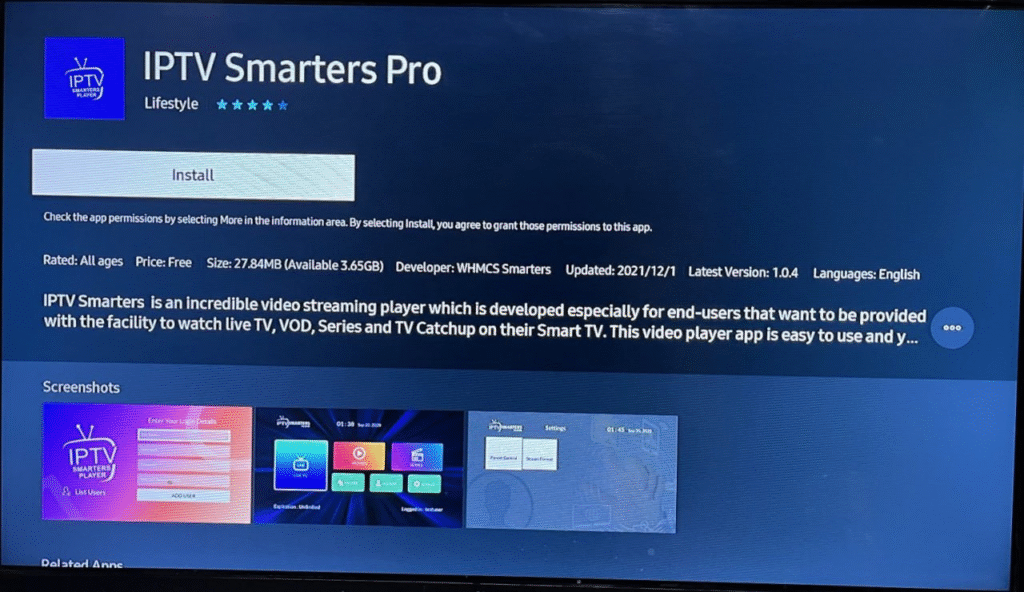
● For Samsung Smart TV
- Step 1 : Press the Smart Hub button from your remote.
- Step 2 : Search for the IPTV Smarters Pro to install.
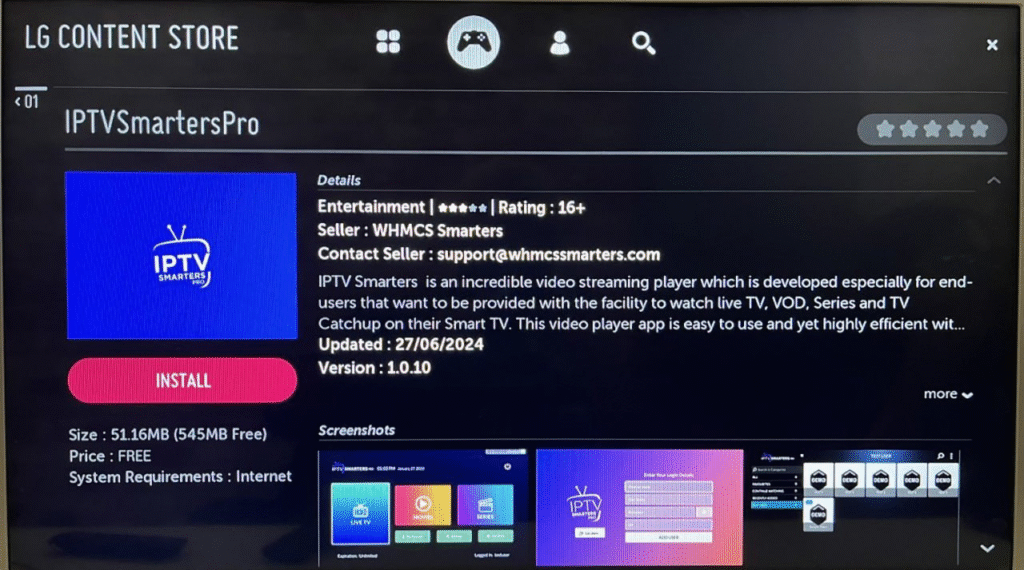
● For LG Smart TV
- Step 1 : Press the Home button on the remote & Go to LG Content Store.
- Step 2 : Search for the IPTV Smarters Pro to install.
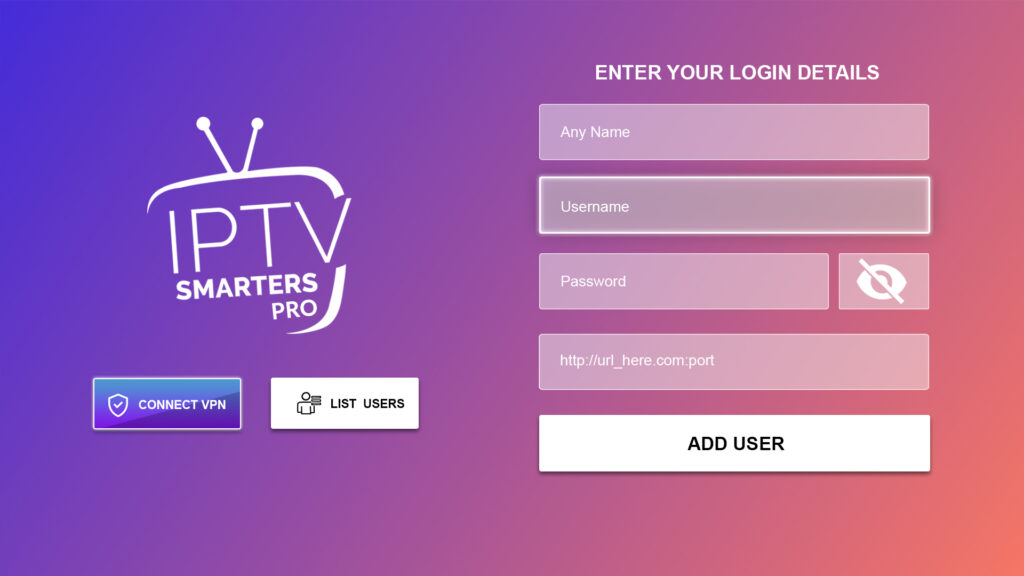
Log in the Application with your subscription details i.e. Username, Password, Portal URL.